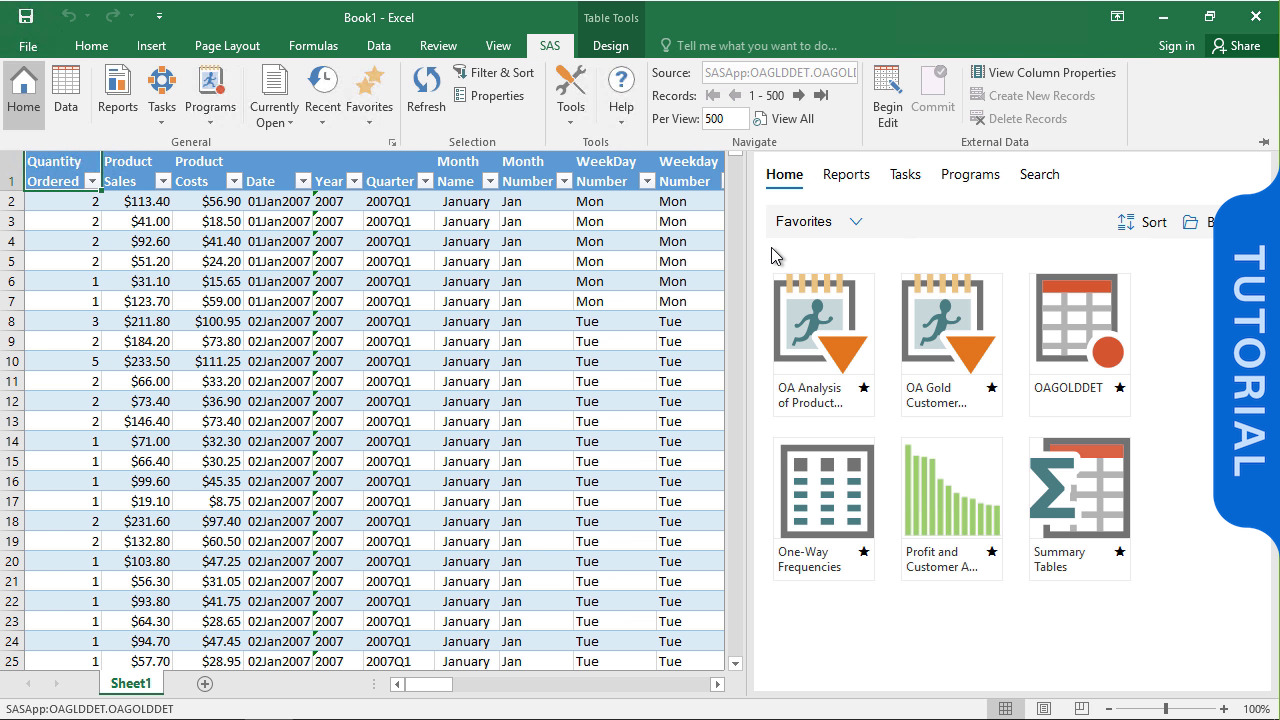
Having the ability to deal with data analysis tools such as Excel and SAS will be a huge competitive advantage in 2025 going forward, since data is deemed to be the currency of the future. Find resourceful material on the Data Tools to Learn in 2025 on StudyCreek
Data is the money of the future, and being able to deal with it will give you a significant competitive advantage in 2025. Excel and SAS (Statistical Analysis System) are two powerful technologies that are at the forefront of the data revolution.
Excel is still popular because of its user-friendly interface and adaptability, but SAS is superior in terms of statistical depth, dependability, and enterprise-level analytics. Together, they provide unparalleled possibilities for mastering data analysis, display, and processes.
Excel serves as an analytics tool together with its spreadsheet capabilities. Although originally designed for spreadsheets Excel now provides users pivot tables Power Query and conditional formatting features to enhance data cleaning and dashboard creation.
Top Excel Data Tools:
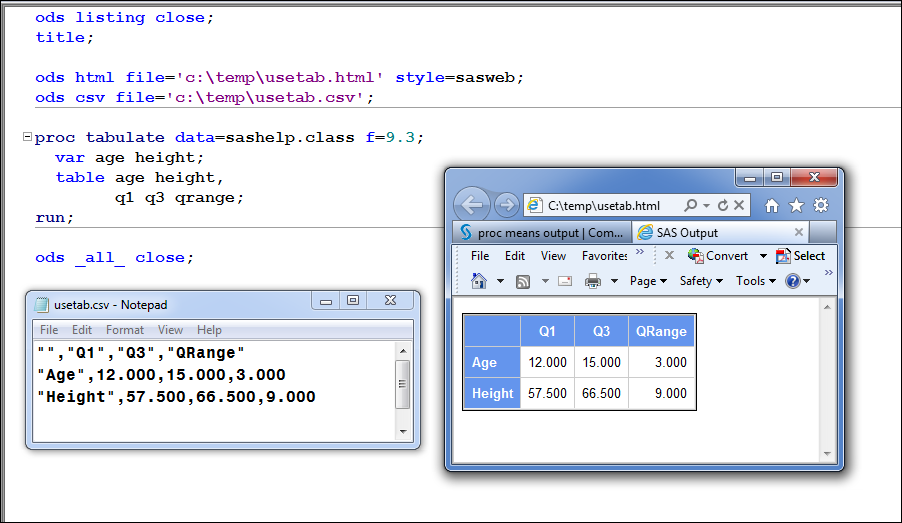
SAS provides outstanding performance for systematic analysis which can be executed repeatedly and expanded at scale. Healthcare together with finance and academic organizations greatly utilize this solution.
 3. Integrate Your Strengths: SAS for Modeling, Excel for Visualization
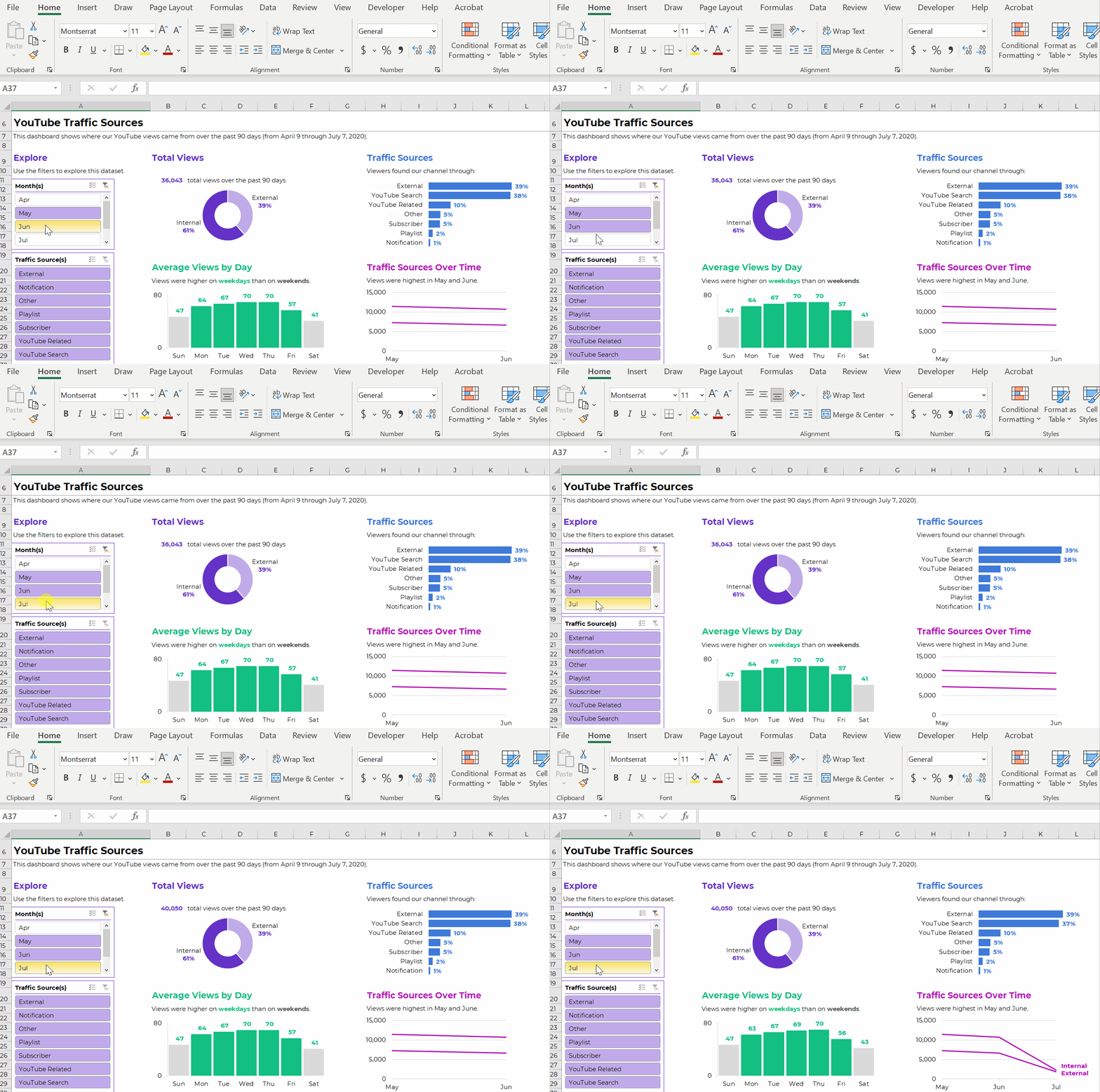
Using SAS to analyze complicated data and Excel to visualize it is a top-tier workflow. This improves interpretation and produces dashboards that are suitable for stakeholders.
An example of a smart workflow
To identify patterns in SAS;
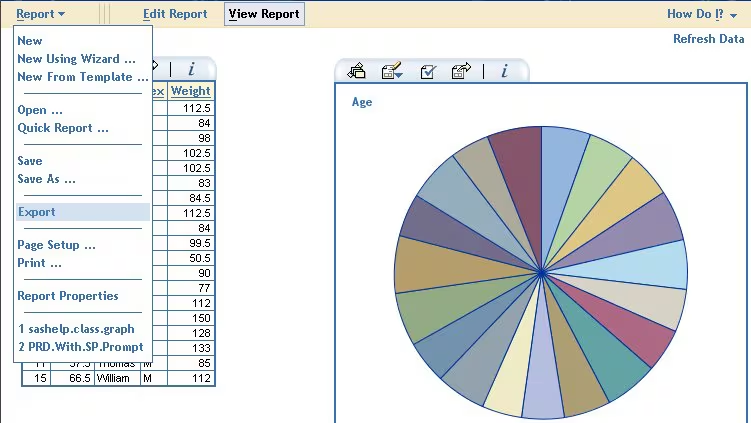
Excel and SAS both provide easy connection with other data sources. Automation is feasible whether you’re connecting to cloud storage, SQL databases, or APIs.
Useful Features:

The secret to leveling up is automation. Complex, repetitive processes are streamlined with SAS macros. In the meanwhile, Excel add-ins such as Analysis ToolPak and Solver facilitate the rapid modeling of data trends.
For instance:
Security is crucial, particularly in industries like banking and healthcare. SAS provides audit logs, user-level access, and encrypted data management. Excel allows version control and password security. learn more about the SAS risk management software on SAS Risk Management website.
Important Security Features:
Gaining proficiency in data analysis with SAS and Excel can lead to positions such as
Refer to top data careers in Kenya on StudyCreek article, 10 most lucrative careers in kenya 2025
Data analyst working through Excel and SAS integration on duo monitors
Combining Excel’s accessibility with SAS’s statistical power gives you a flexible and powerful toolkit for data mastery. Whether you’re analyzing survey results, optimizing business decisions, or predicting market trends, this duo gets the job done—accurately and efficiently.
Delivering a high-quality product at a reasonable price is not enough anymore.
That’s why we have developed 5 beneficial guarantees that will make your experience with our service enjoyable, easy, and safe.
You have to be 100% sure of the quality of your product to give a money-back guarantee. This describes us perfectly. Make sure that this guarantee is totally transparent.
Read moreEach paper is composed from scratch, according to your instructions. It is then checked by our plagiarism-detection software. There is no gap where plagiarism could squeeze in.
Read moreThanks to our free revisions, there is no way for you to be unsatisfied. We will work on your paper until you are completely happy with the result.
Read moreYour email is safe, as we store it according to international data protection rules. Your bank details are secure, as we use only reliable payment systems.
Read moreBy sending us your money, you buy the service we provide. Check out our terms and conditions if you prefer business talks to be laid out in official language.
Read more